Product Media / Dealer Support
Dealer Product Page Media Sets for Compact Snow Equipment: Photos, Diagrams and Short Videos
A dealer guide to compact snow equipment product-page media sets: photos, diagrams, short videos, specs, manuals and RFQ support.
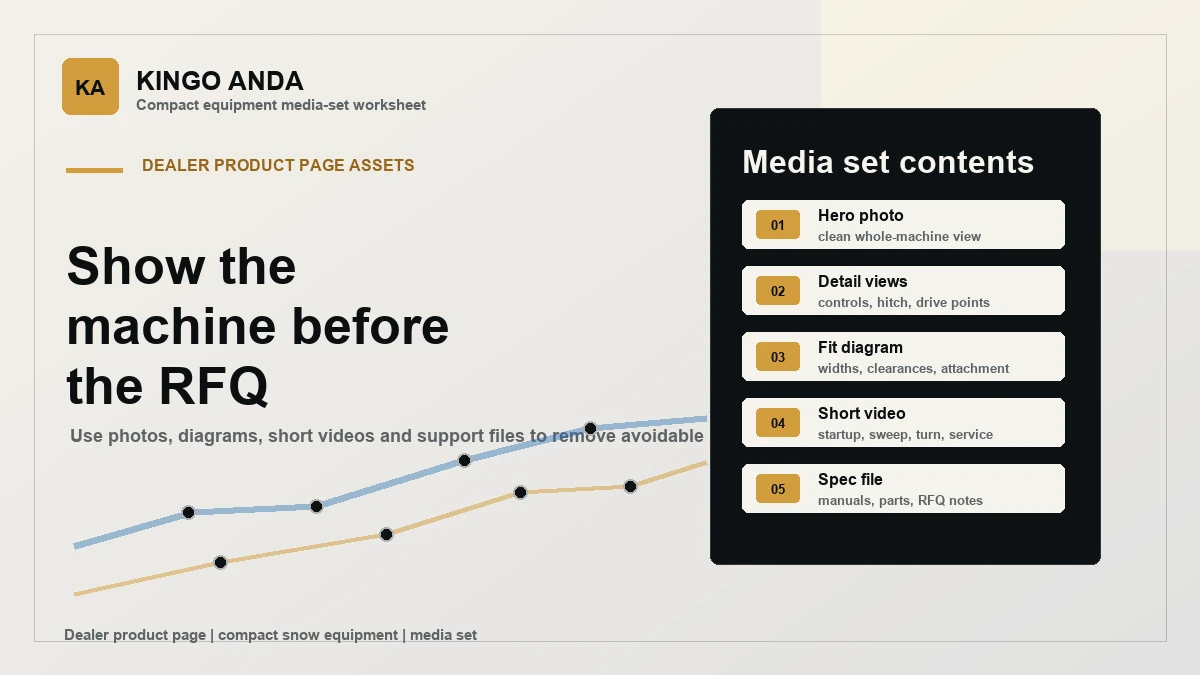
Dealer product pages for compact snow equipment work best when the buyer can identify the product, understand its general role and send a precise inquiry. Images, diagrams and short clips can help that conversation, but they are not a substitute for supplier confirmation of compatibility, specifications, availability or order details.
This guide gives dealer teams a practical request structure for product-page media. Use it when preparing information for a multifunction power unit, a snow sweeper, a snow blade or a compact snow thrower.
Begin with the exact product and the buyer’s use case
Start every media request with the product name or identifier, the intended market and the work scenario the dealer needs to discuss. A request for “snow equipment pictures” is difficult to action. A request that identifies the product, the buyer type and the intended sales channel gives the supplier a clear point for review.
The published product pages describe a general purpose only: the power unit supports interchangeable front and rear attachments; the sweeper is a rotating-brush attachment; the blade is an adjustable snow blade; and the compact thrower is intended for compact snow-clearing work. Do not turn those descriptions into unconfirmed performance, fitment or stock claims.
Use a simple product-page media checklist
Ask for the information you need to explain the product clearly, then let the supplier confirm what can be provided for the selected product and market.
- Product identity: product name or ID, attachment configuration and the exact item the request concerns.
- Image purpose: hero image, detail view, attachment view, dealer catalogue or customer inquiry response.
- Buyer context: property maintenance, estate work, sidewalks, yards or another stated use case.
- Technical questions: the points the buyer needs confirmed before an RFQ, rather than assumptions made from a picture.
- Commercial questions: requested quantity, destination market, packaging needs and any branding context.
Keep diagrams and videos tied to a specific question
A diagram is most useful when it helps a dealer ask a defined question about dimensions, clearances or an attachment connection. A short video is most useful when it gives context for an operating, handling or service question. Neither should be presented as evidence of a feature, result or compatibility unless JGAD has confirmed that point for the exact configuration.
For example, an inquiry about a sweeper can reference the snow sweeper product page and ask which current images or supporting files correspond to the requested configuration. An inquiry about a blade can reference the snow blade page and list the points that need confirmation before the dealer prepares a customer quote.
Separate public-page information from a dealer request
Public product-page material helps a buyer start the conversation. A dealer request is the place to state the commercial and technical details that cannot be inferred from a page: destination, quantity, required documentation, configuration questions, packaging expectations and timing. Keeping those two layers separate prevents a polished page from being mistaken for a complete order specification.
Dealer teams can also use the dealer support and parts and service pages to frame support questions. These links do not confirm a particular document, part, price, lead time or compatibility. Those details still require a direct reply for the product and market involved.
Use this request note before asking for a quote
- Identify the product and attachment or configuration under review.
- State the buyer type, use case and destination market.
- List the exact images or supporting information needed for the product page or sales conversation.
- List the open technical and commercial questions separately.
- Ask JGAD to confirm what is applicable before publishing, quoting or promising anything to the end buyer.
FAQ
Can a product image confirm compatibility?
No. An image can help identify the item and frame a question, but compatibility must be confirmed for the exact product and configuration.
Can dealers request product-page media for customer inquiries?
Yes. Include the product identifier, intended use, market and the exact information required so JGAD can review the request.
Where should a dealer send a product-information request?
Use the contact page and include the product reference plus all open requirements. Pricing, packaging, availability and compatibility need supplier confirmation.
Need product-specific information? Send the product reference, use case, destination market and open questions through the JGAD contact page. The team can review the request before any dealer-facing material or quotation is finalized.